

1.2
Introducing Automations!
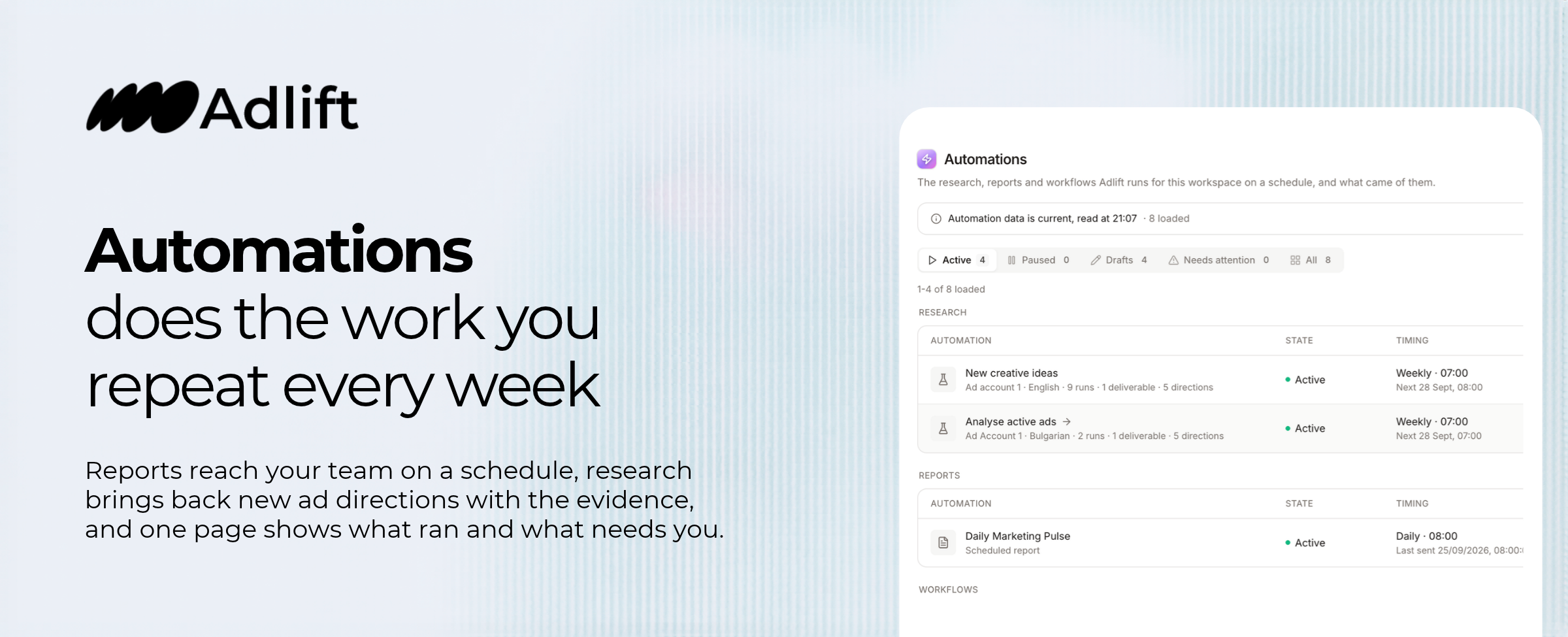
Automations does the work you repeat every week. Reports reach your team on a schedule, research brings back new ad directions with the evidence, and one page shows what ran and what needs you.
Automations is where Adlift does the work you repeat every week. Reports reach your team on a schedule. Research reads your market and brings back new ad directions. One page shows what ran, what is paused and what needs you.
Scheduled reports
Pick a template, set the metrics at the top, and say when and where it goes.
- Daily Marketing Pulse: yesterday's revenue, ad spend, MER, orders and AOV against the same weekday last week.
- Weekly Marketing Pulse: the last 7 days against the 7 before, with your top creatives by ROAS and the spend trend.
Put up to 8 metrics in the top row, from ROAS and MER to CPA, CAC, CTR and CPM. Send it every day, week or month, at the hour and time zone you choose. It lands in Slack, in email, or both.
A report stays a draft until you activate it. Send now tests it any time, and its history keeps every send.
Research
Pick a brand and what you want to learn. Every day, every Monday or once a month, Adlift reads the brand's competitors, your own ad account and the open web, then brings back personas, pain points, motivators, hooks and new ad directions.
Every finding links to its evidence under Show the machine. From the second run on, only what changed arrives in email or Slack, and every edition waits in Deliverables.
Standing instructions, coming soon
Tell Adlift what to look into, how often and where the answer lands: a daily account pulse, a weekly creative check, or a message only on the days something needs you.
One page for everything that runs
Research, reports and workflows sit in their own groups, each with a count. The tabs sort them by state: Active, Paused, Drafts, Needs attention and All. From any row, open it, run it now, or pause it.
Needs attention flags a run that failed or one still gathering data after an hour. Emergency stop all pauses every scheduled report in one click.
Know when something ran
A bell sits at the top right of every page. The red number counts what happened in Activity since your last look: runs, sent reports and changes from your team. Open Activity and the new events carry a red dot.
Get started
- Open Automations and click Create automation.
- Choose Scheduled report or Research.
- Set what it covers, when it runs and where it lands.
- Activate it. Send or run it now to see the first result right away.
Scheduled reports read your connected Meta ad account. Research runs on your AI tokens and charges by what each run uses.
Live in every workspace today.
